How to Play Imposter: Choose Your Setup
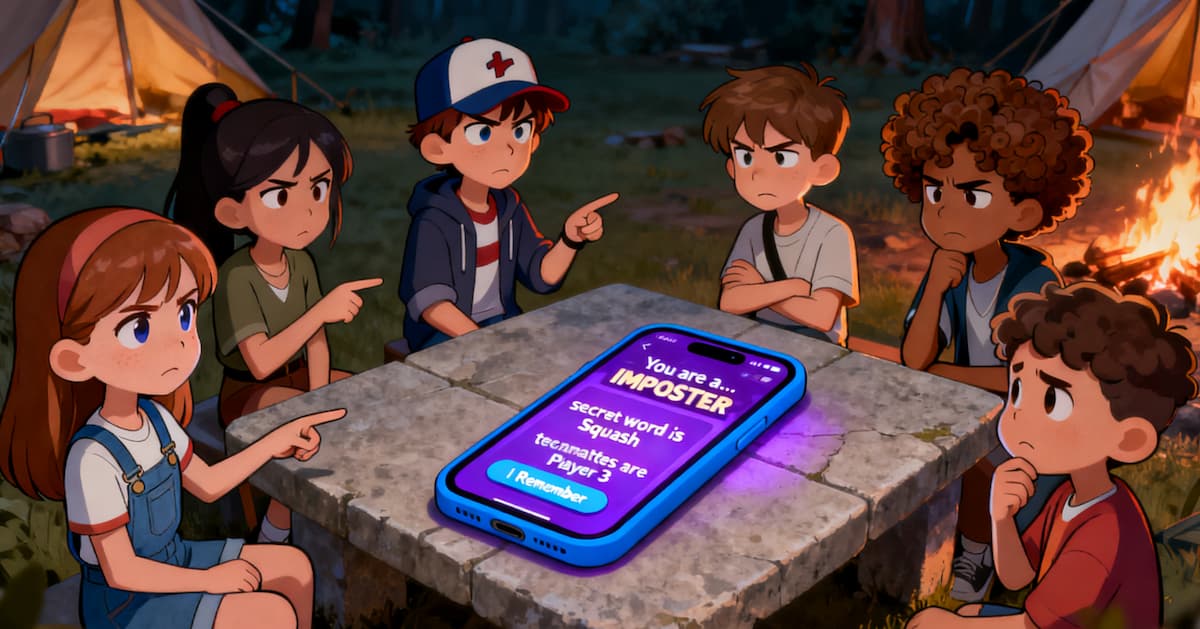
Choose the setup that fits your group: pass one phone around the table, join an online room with your own screen, or bring your own word pair.
Before You Start
- Start with at least 3 players; groups of 6–10 create the best discussion.
- Choose one-phone play for the same room, or join an online room in Player or Moderator mode.
- Civilian players share a word, while an Imposter receives a different word; a Blank can receive no word in Double Agent mode.
Scenario 1: One-Phone Game
Use one shared phone when everyone is in the same room. The game deals a private role and word to each player as the phone moves around the table.
Set up the game
- On your phone, open Start a one-phone Imposter game.
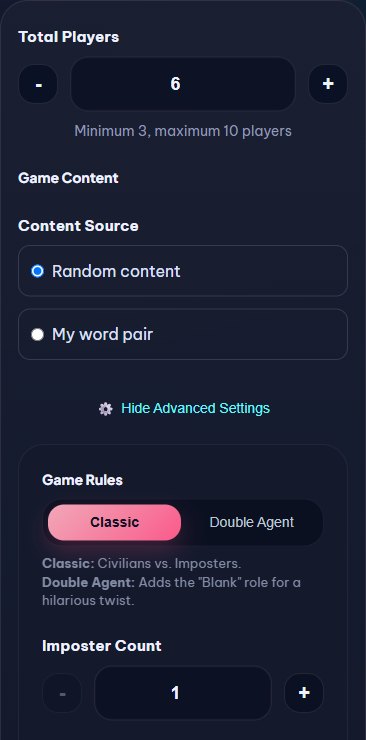
- Set the total number of players, then open Game Content.
- Choose Random content or My word pair. If you use your own pair, edit it before starting.
- Optionally choose Classic or Double Agent, adjust Imposter Count, Hidden Imposters, and a word category.
- Start the game. The system assigns roles and words for the selected content; Blank players do not receive a normal word.
Reveal each role privately
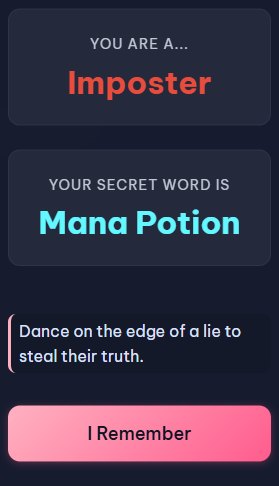
- Pass the phone to the named player and let them open their role and word.
- The player confirms the reveal and hides the screen before passing the phone on.
- After everyone has checked their role, use the offline controls and discuss and vote in person.
Scenario 2: Online Moderator Mode
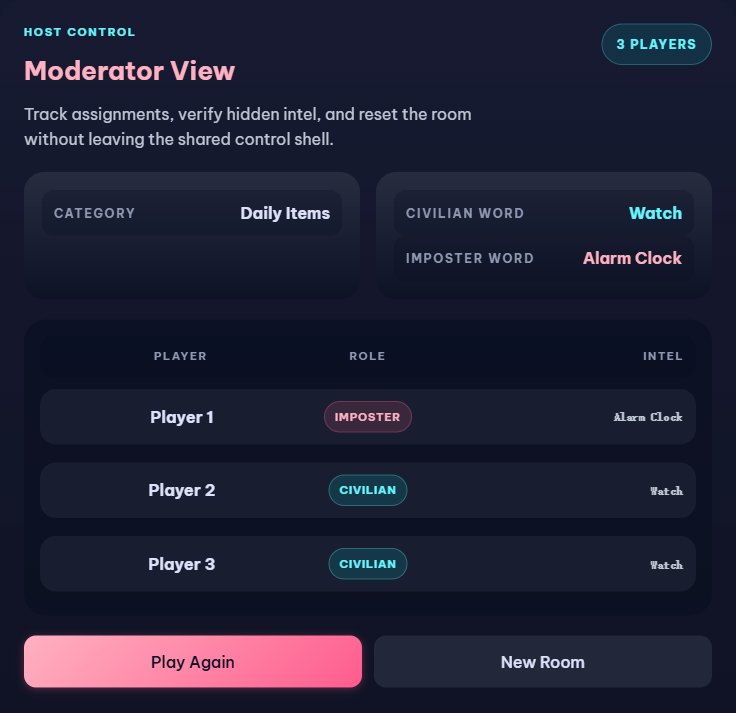
Use Moderator mode when one person should manage the room without playing. Players use their own phones, while the moderator can inspect the game state and keep the group moving.
Create and share the room
- On your phone, open Play Imposter online.
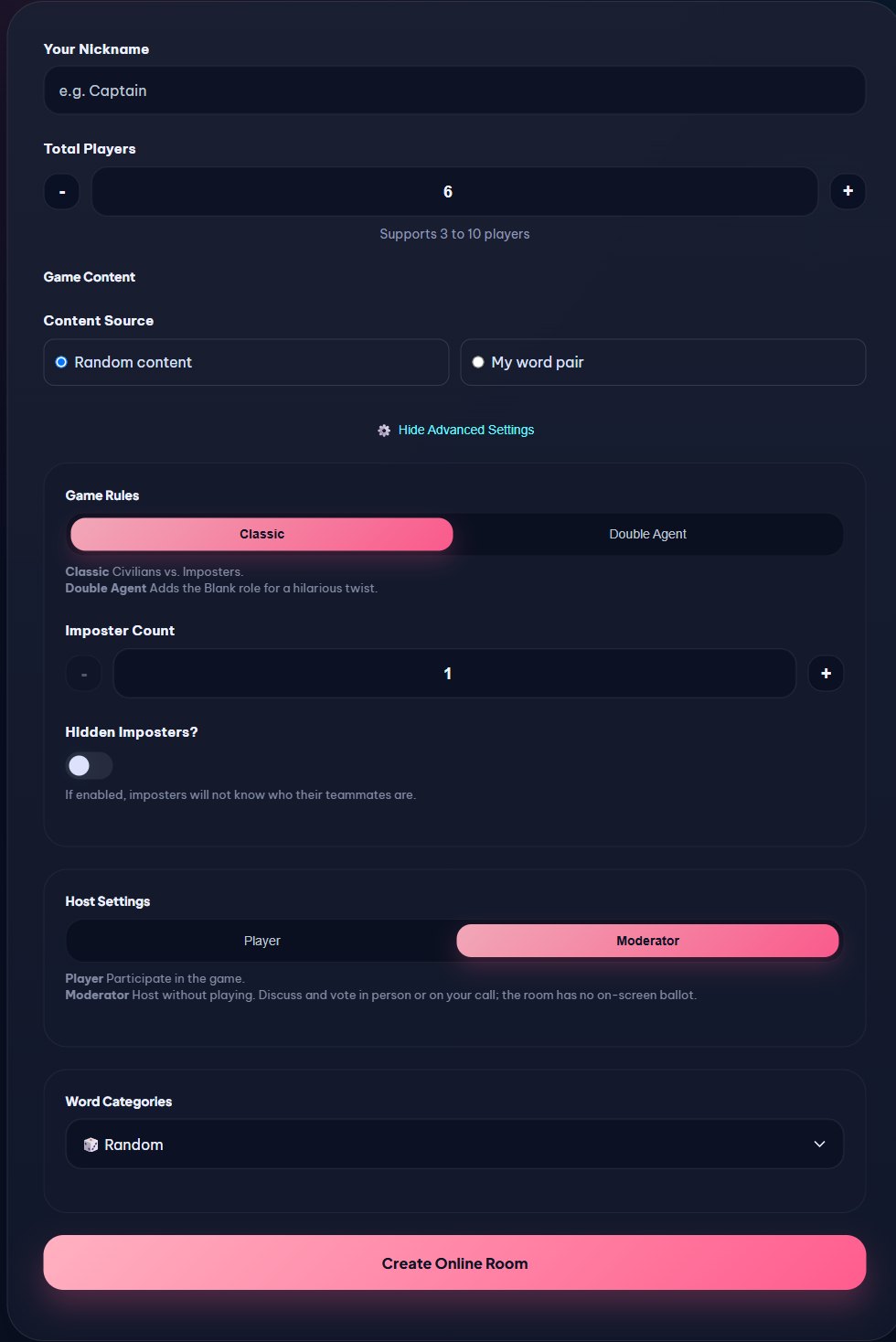
- Enter a moderator nickname and the number of participating players.
- Choose Host Settings = Moderator, then create the room and share its code, QR link, or invite link.
- Players join from their own devices. Start the game when everyone is ready; each player receives their own role and word.
- The moderator does not play and the room has no on-screen ballot. Discuss and vote in person or on your call; use the moderator dashboard to follow the game.
Scenario 3: Online Player Mode
Use Player mode when the person who creates the room also wants to play. Everyone joins on their own device, including the host.
Play from your own devices
- On your phone, open Play Imposter online.
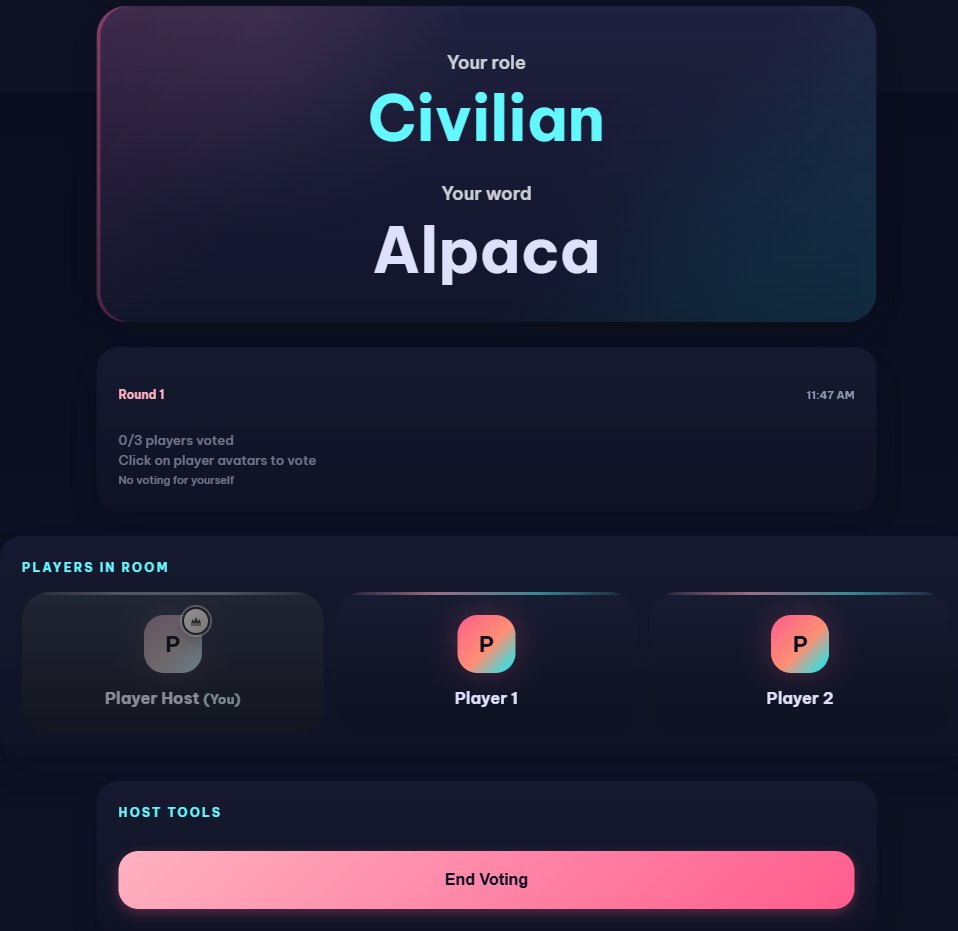
- Set Host Settings = Player. The host counts as a player and receives a secret role and word.
- Share the room code or invite link so every player can join from their own phone.
- Start the game, discuss your clues, and keep each player’s role and word private.
- After discussion, the host can start voting in the room.
- Every active player, including the host, votes from their own room view.
- The host ends the voting round so the room can show its result and continue.
Scenario 4: Custom Word Pair
Use the word generator when you want a fresh pair, or use your own pair when your group already has house rules.
- On your phone, open Use the Imposter Word Generator.
- Choose a category or keep Random, then generate a Civilian Word and an Imposter Word.
- When you are happy with the pair, choose Start with This Pair.
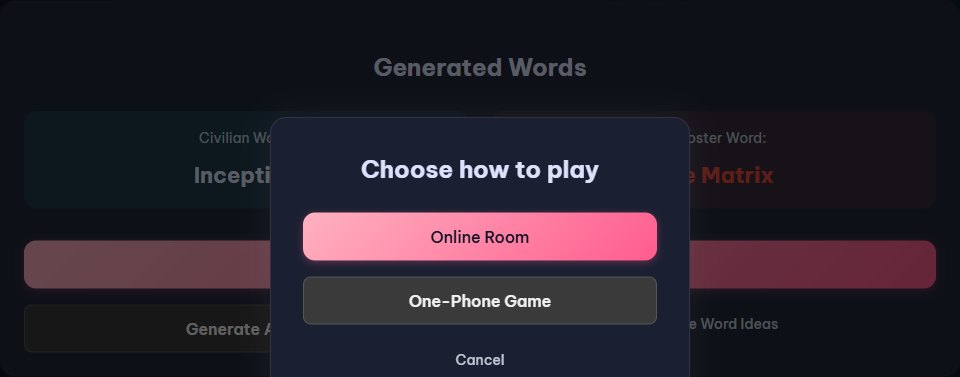
- Choose Online Room or One-Phone Game. The selected page receives the pair as a preset.
- The game then assigns the Civilian and Imposter words to the right roles; you do not need to distribute the pair player by player.
- Use Generate Again for a new pair, or Browse Word Ideas if you want more examples.
You’re Ready to Start
Choose one phone, Player mode, Moderator mode, or a custom pair. The best setup is the one that lets your group start talking quickly.
Choose your Imposter game mode