How to Play Imposter Game: The Complete Guide
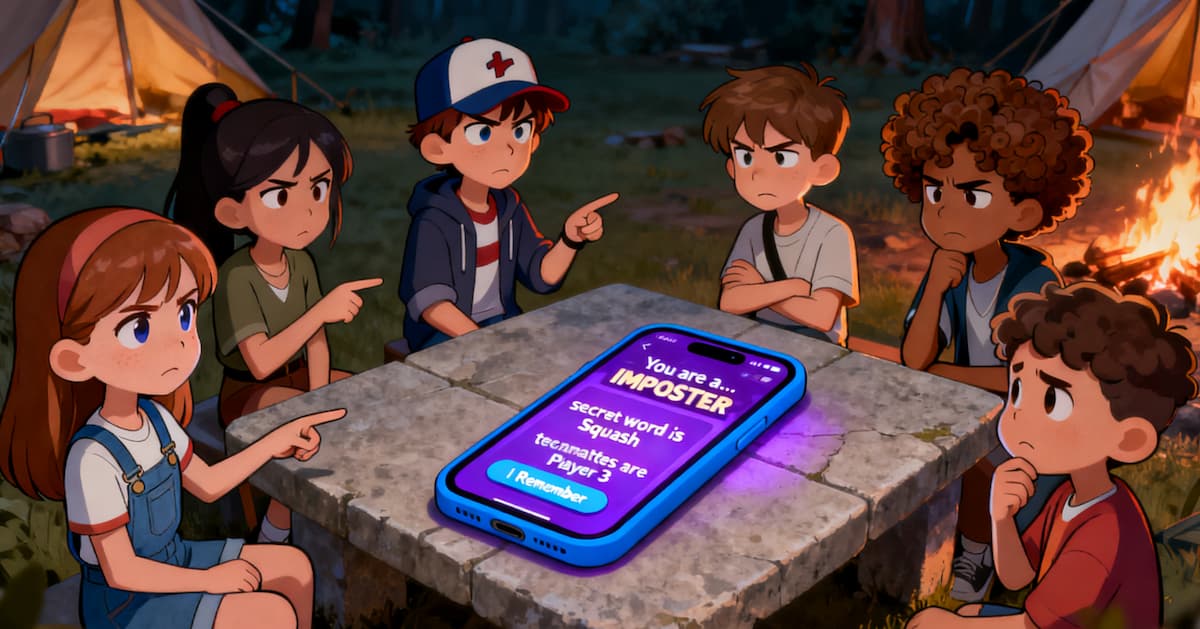
Starting an Imposter game should be simple and fast. Whether you're sharing a single phone in the same room or want a game where no one has to sit out as the host, our tools get you set up in seconds. Say goodbye to struggling with word pairs or passing paper notes.
📱 Scenario 1: Pass and Play Mode
Picture this: you're at dinner, a bar, or just hanging out. You've got a group of friends, but only one phone between you. This is the perfect scenario for Pass and Play mode, designed specifically for sharing a single device.
Step 1: Quick Start
Don't want to fuss with every detail? The Quick Start option is your best friend.
- On your phone, open the Offline Game page.
- Enter the total number of players (for example, 6).
- Tap 🚀 Start Game.
- The system immediately assigns roles (for example, 1 Imposter and 5 Civilians) and selects a well-balanced word pair.
Step 2: Customize (Optional)
If you want specific rules (for example, adding a “Double Agent” or choosing a specific category like “Food”), use the advanced settings.
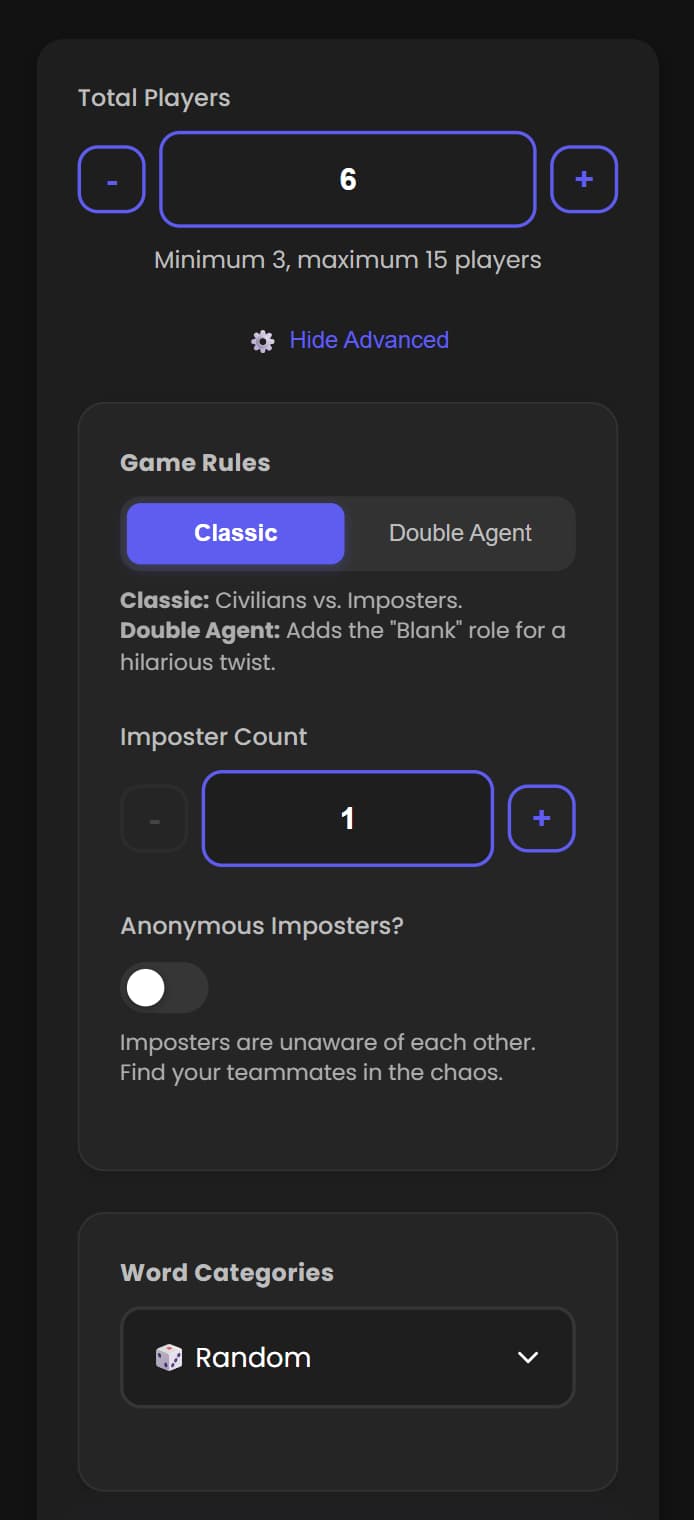
- Game mode: Choose “Classic” for the standard experience, or “Double Agent” to add a chaotic third party (the Blank role).
- Roles: Adjust how many Imposters you want. (Tip: for groups smaller than 7, start with 1 Imposter.)
- Categories: Pick a theme like “Movies” or “Travel” to make it easier for new players to join in.
Step 3: Secret Reveal
This is the most important part of the Pass and Play experience:
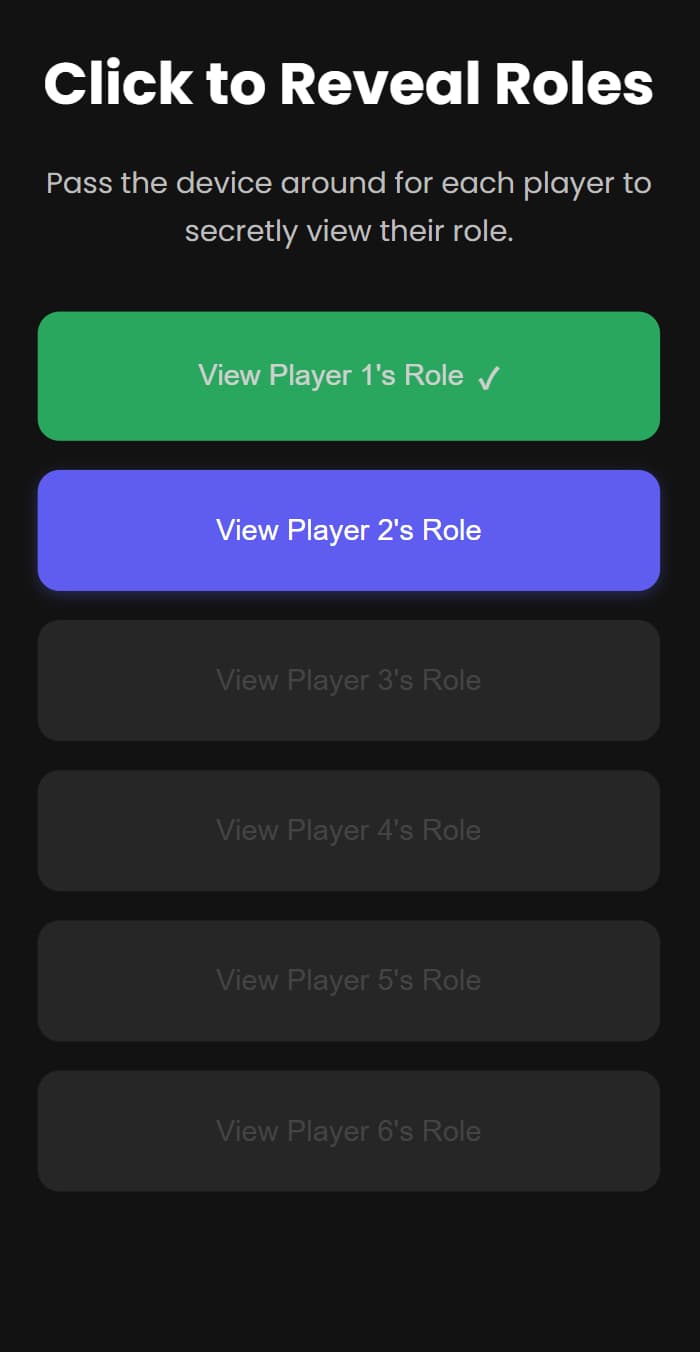
- The screen will show a button for “Player 1”.
- Hand the phone to Player 1 and let them tap the button to see their secret word.
- Player 1 taps “I Remember” to hide it.
- Pass the phone to Player 2—no peeking or talking while it's being passed!
- Repeat until everyone has seen their role. Finally, the phone goes back to the host and the game begins!
🤖 Scenario 2: Online Dealing Mode
Everyone's in the same room, but they want to see their roles on their own phones. Passing a single device around can be clumsy and risky. The solution? Use Room and Play mode with Host Settings = Moderator.
Setting Up the Game
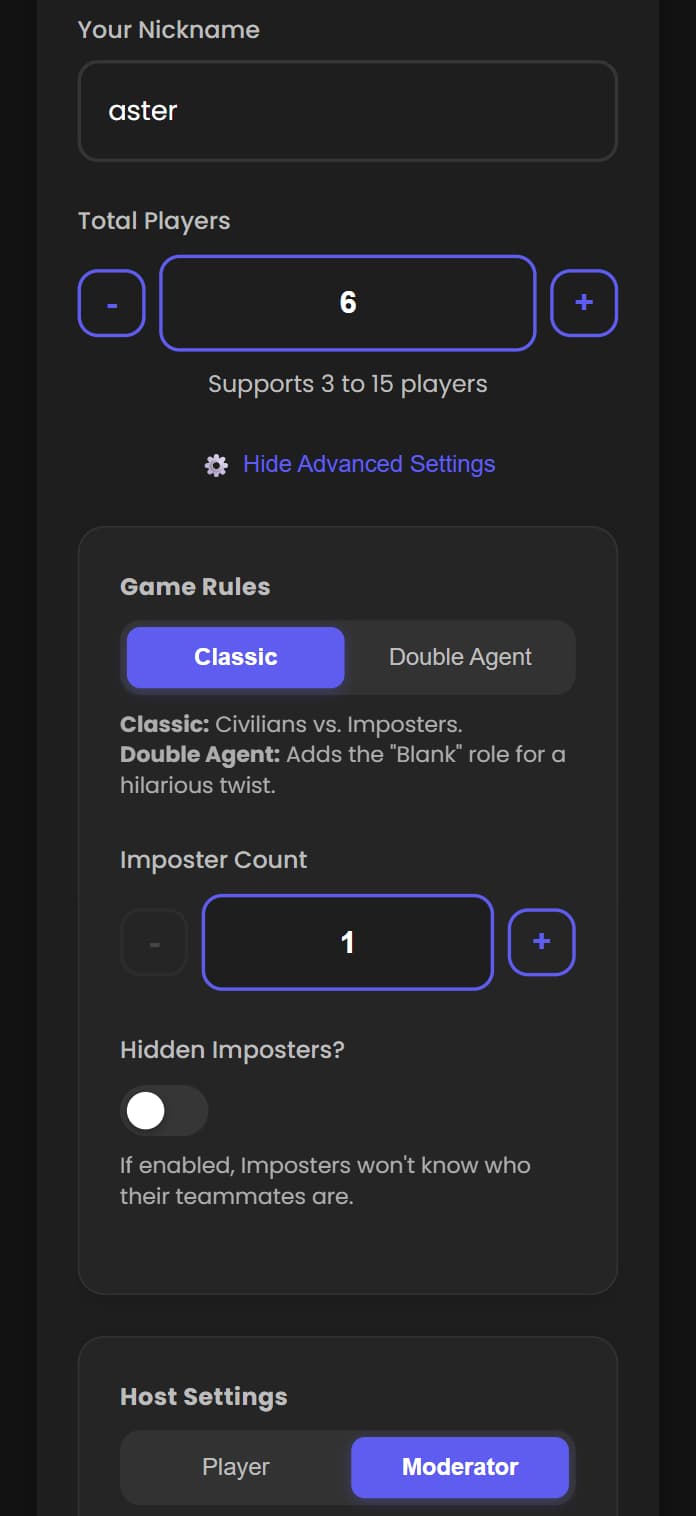
The key is to set Host Settings to Moderator.
- On your phone, open the Create Room page.
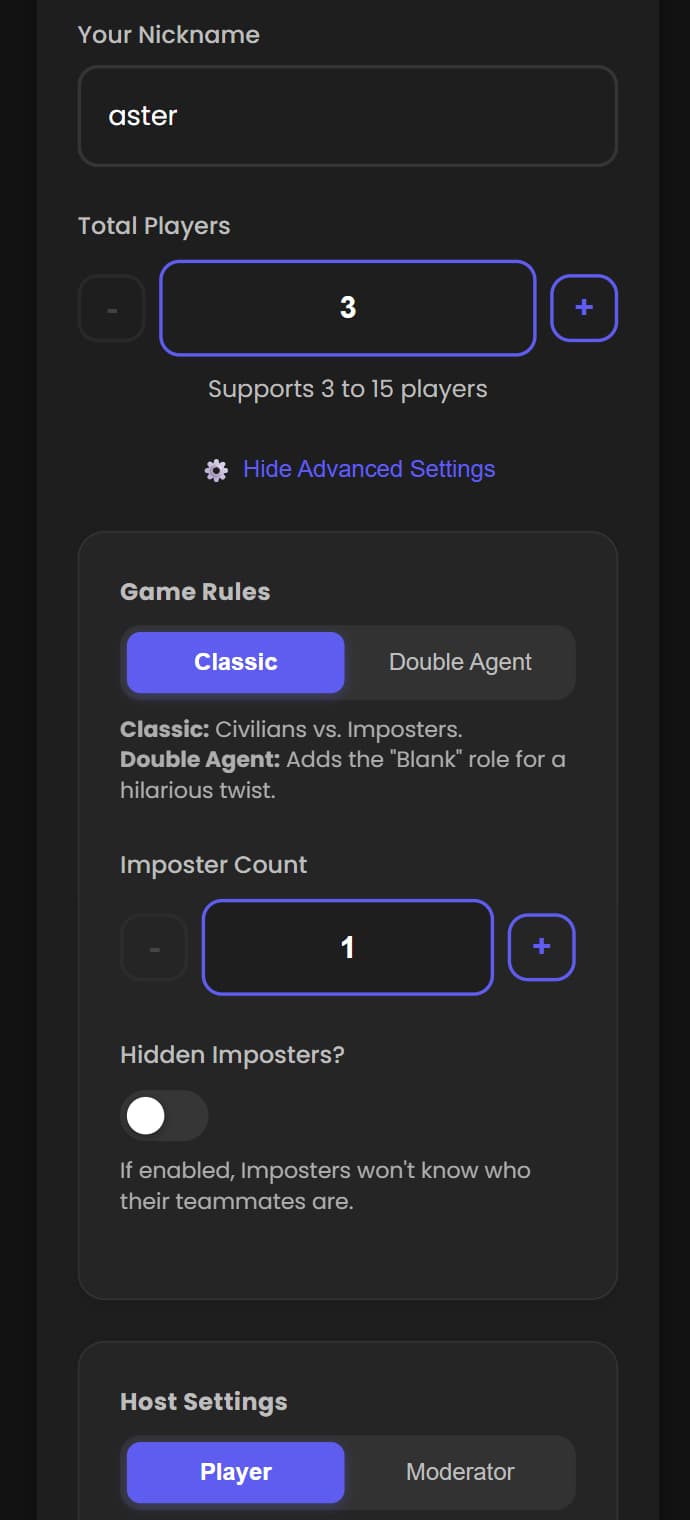
- Enter your player nickname (for example, aster).
- Enter the total number of players (for example, 6).
- Set Host Settings to Moderator.
- Adjust any other custom settings according to the explanations on the page.
- When you are done, click Create Online Room to enter the room.
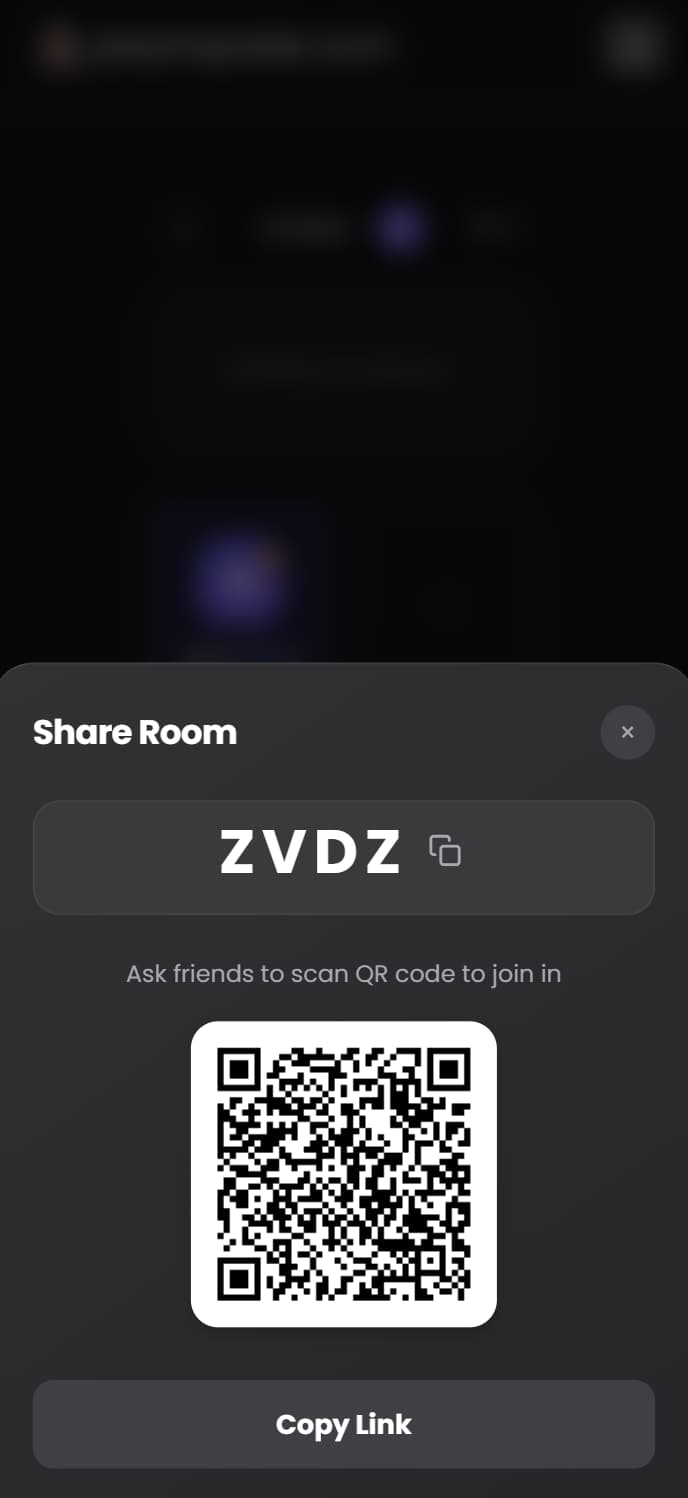
- The host shares the room link to invite friends to join.
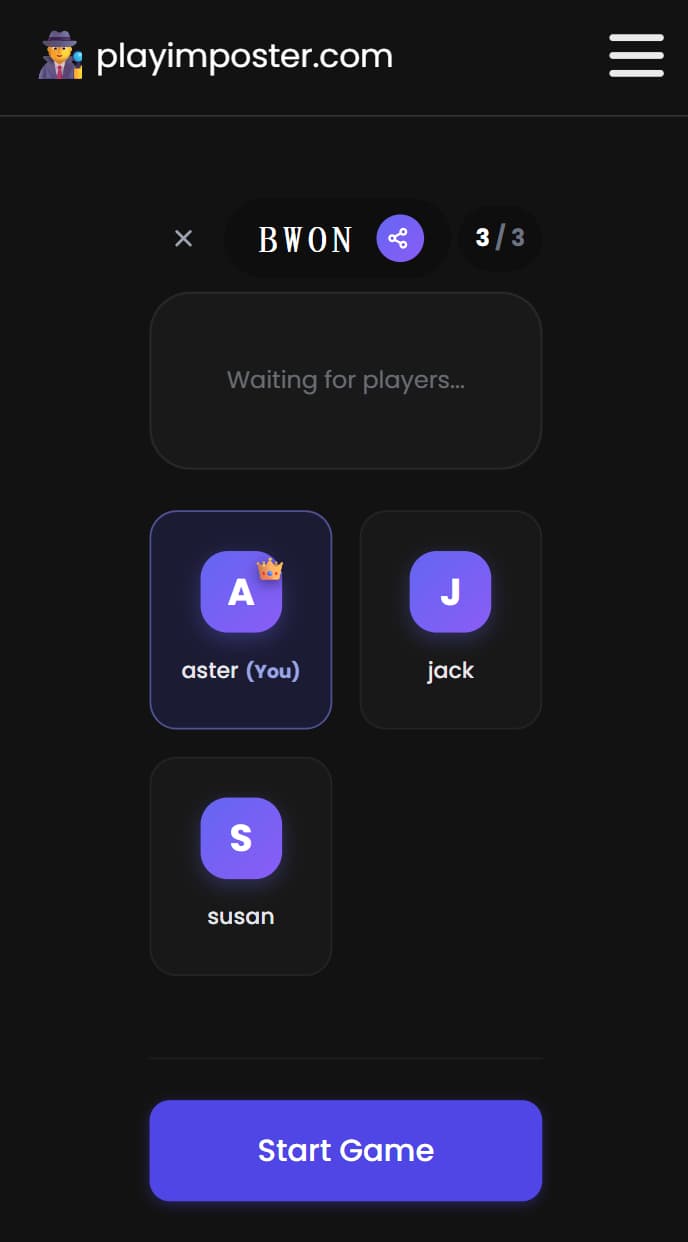
- After all players have joined, the host taps Start Game. The system assigns roles and words to everyone in the room.
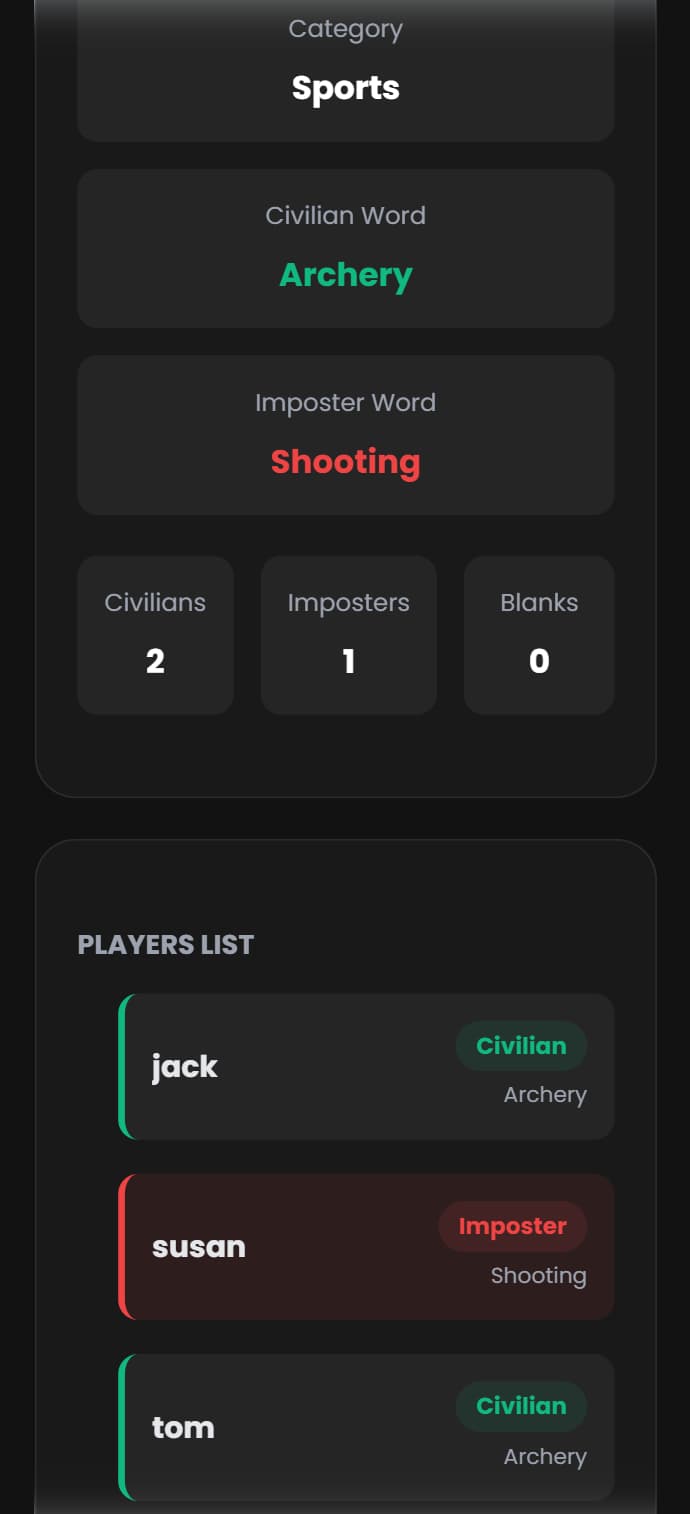
- Each player sees their own role and word on their phone. The host enters the game control panel, and the game begins.
🤖 Scenario 3: Hostless Mode
Everyone wants to play, but usually, someone has to sit out to be the judge. Not anymore. With our tools, the app becomes your neutral referee so everyone can join the fun. Use Room and Play mode with Host Settings = Player.
Setting Up the Game
Again, the key is to set Host Settings to Player.
- For the basic room setup, follow Scenario 2.
- Set Host Settings to Player. The host can control the game flow, but other players’ roles and words stay hidden from them.
- When the host taps Start Game, the game begins.
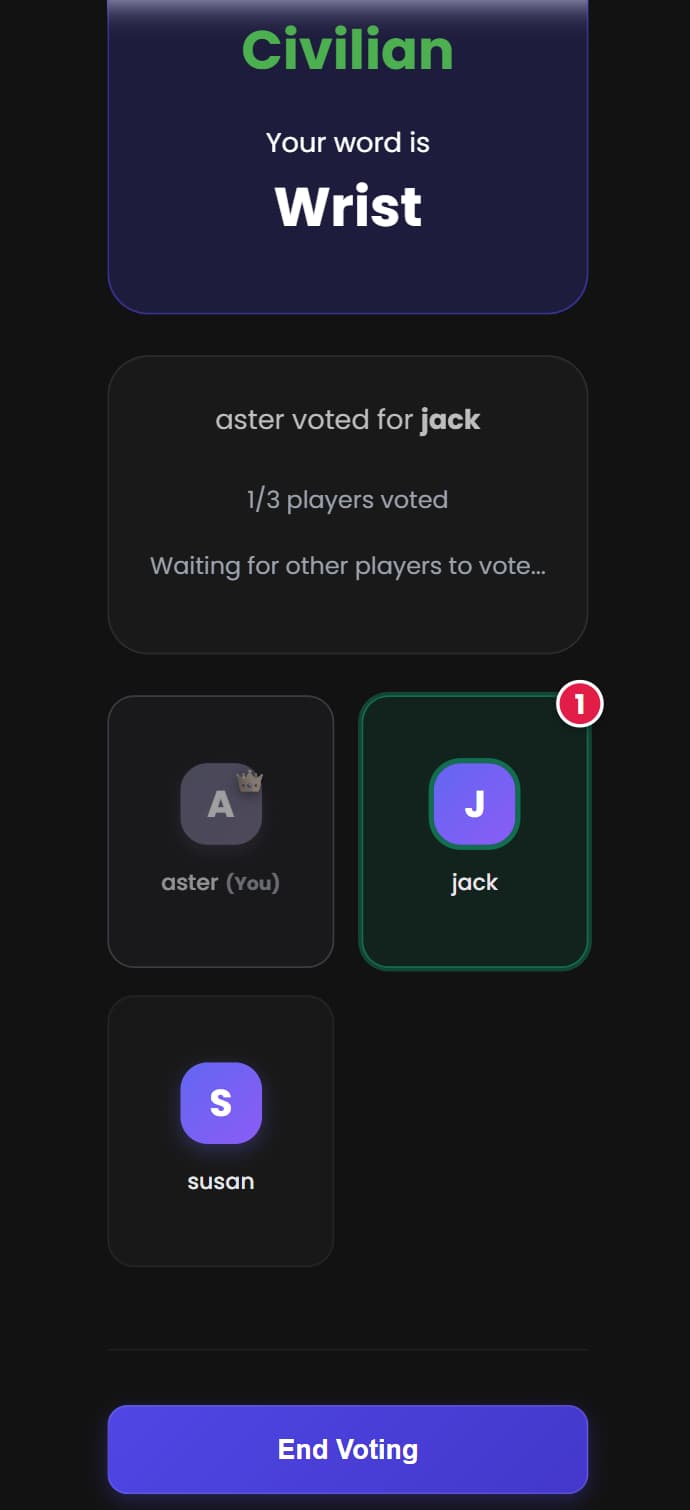
- After each discussion round, the host taps Start Vote to open voting.
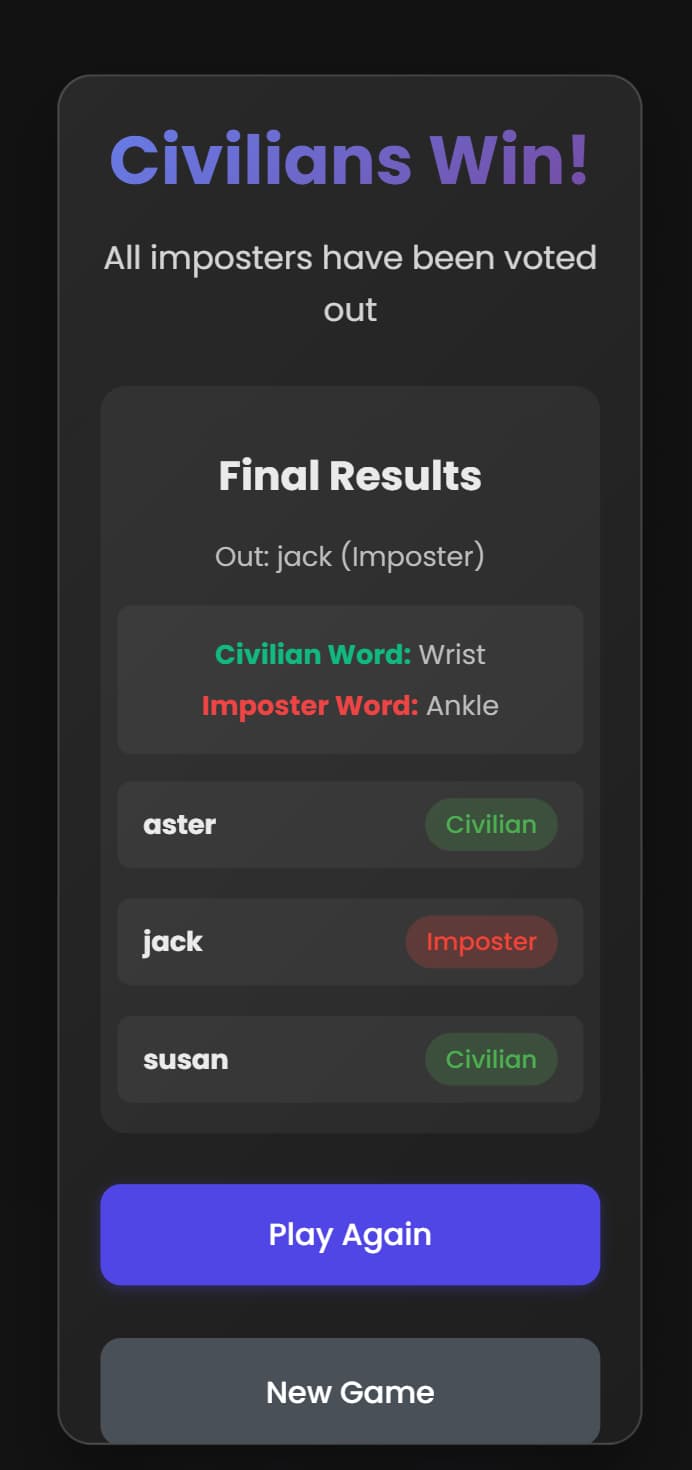
- Every player, including the host, votes from their own room view. When everyone is done, the host taps End Voting, and the system automatically eliminates the player with the most votes. In a tie, the host can choose to move to another voting round.
- Repeat discussion and voting. When the win conditions are met (all Imposters are eliminated, or Civilians are outnumbered by Imposters), the system automatically ends the game and shows the winners on each player’s screen.
🎲 Scenario 4: Custom Rules / DIY Game
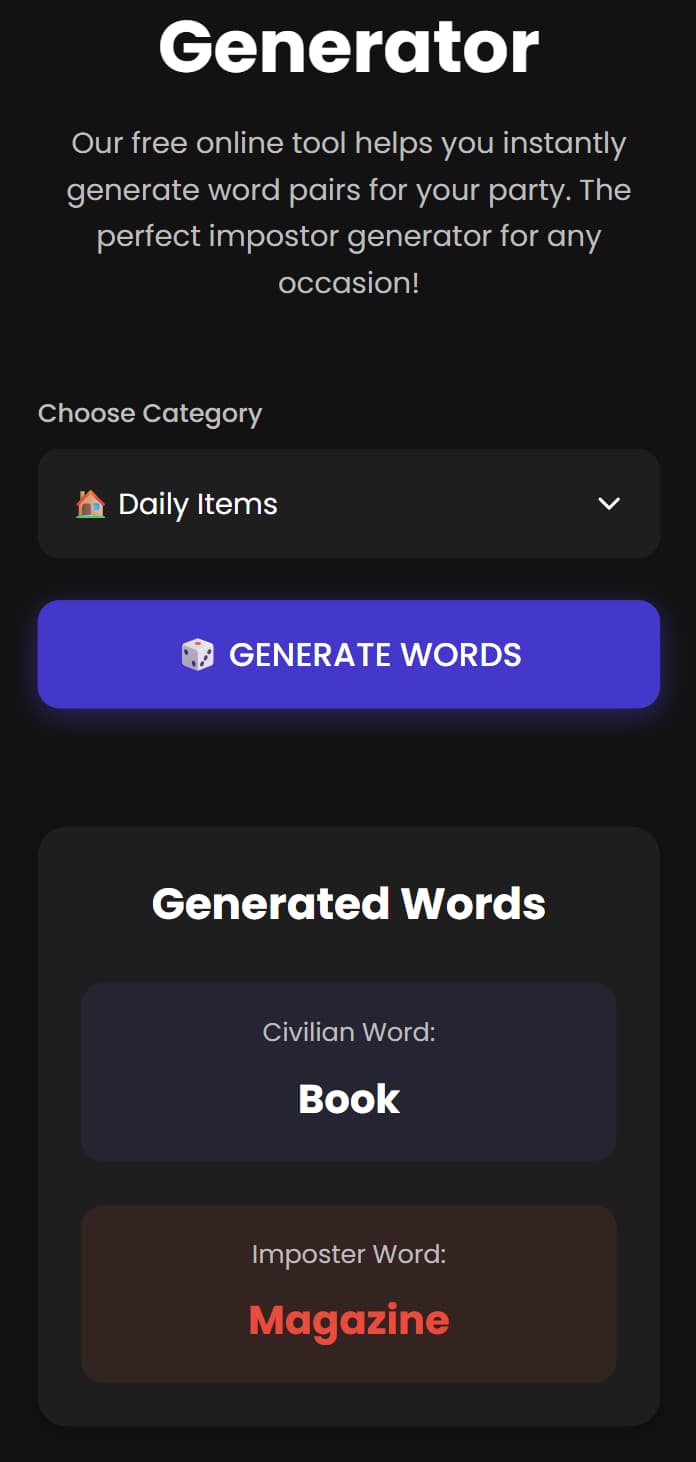
If you already have your own house rules and only need a “Civilian word” and an “Imposter word”, use our Random Word Generator.
- It gives you a well-matched word pair (for example, “Coffee” vs. “Tea”), and you can also draw pairs by category.
- You, as the host, decide who gets which word.
- Perfect for custom rule sets and experimental game modes.
You’re Ready to Start!
You are now prepared for any party setup. Whether it is a cozy offline gathering with one shared phone or a loud, hostless game where everyone plays, you have the right tools and modes ready to go. Choose your scenario, tap to start, and let the accusations begin!