Guide to the Imposter Game Generator & Website Tools
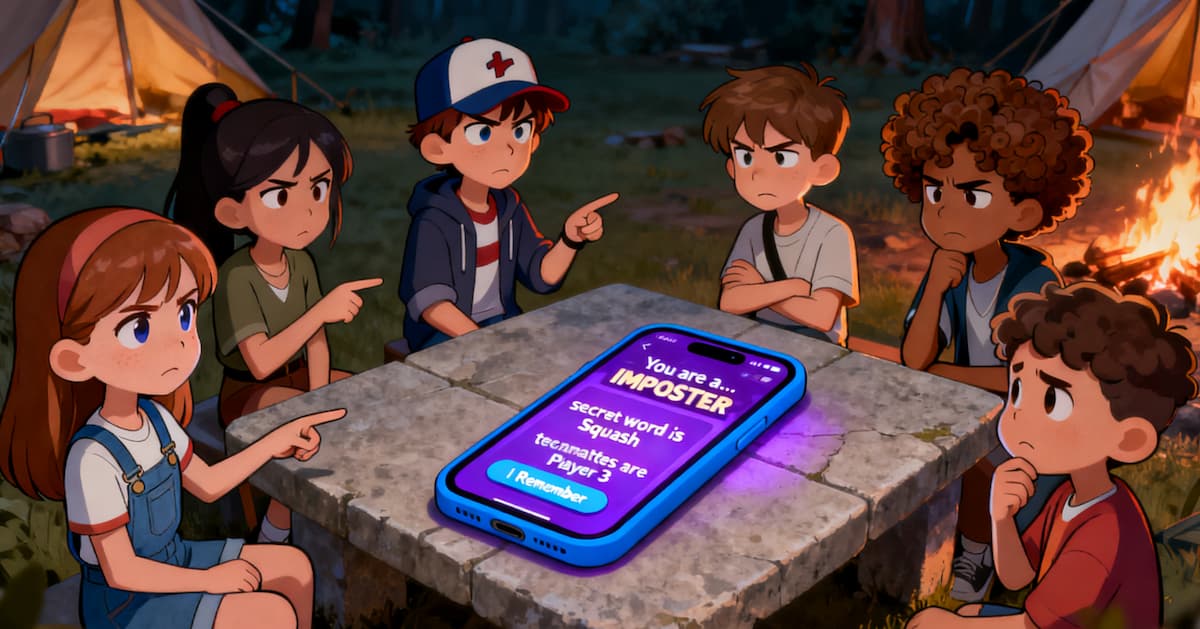
Welcome to your command center for the perfect Imposter Game night! Our website offers two powerful tools to make hosting effortless: the **Offline imposter game generator** and the **random word generator for imposter game**. This guide will walk you through every feature, step-by-step.
📱 Tool 1: The Imposter Game Maker & Word Generator (/play/offline/)
This is your main tool for setting up and running a game in person using a single device ("pass-the-phone" style). This imposter words generator is free to use and offers two ways to get started.
Method 1: Quick Start - The Fastest Way to Play
Perfect for when you want to jump straight into the action. The game automatically balances the roles for you in Classic mode.
- Navigate to the Imposter Game Generator.
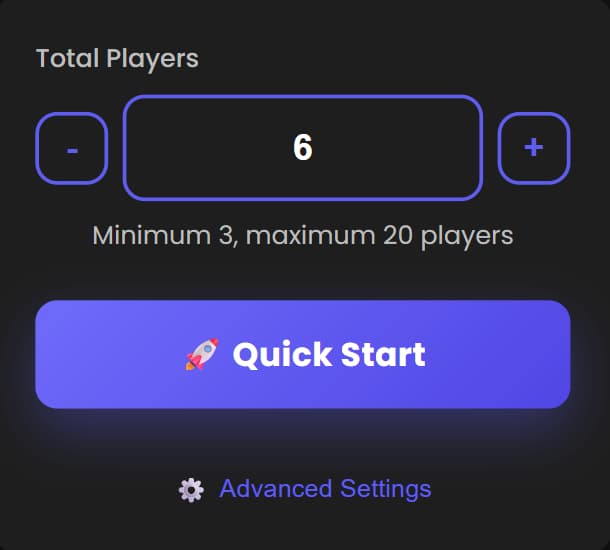
- Set the **Total Players** (e.g., 6).
- Click the **🚀 Quick Start** button.
- That's it! The system assigns the optimal number of Imposters and words, and the game begins immediately.
Method 2: Advanced Settings - Full Control Over Your Game
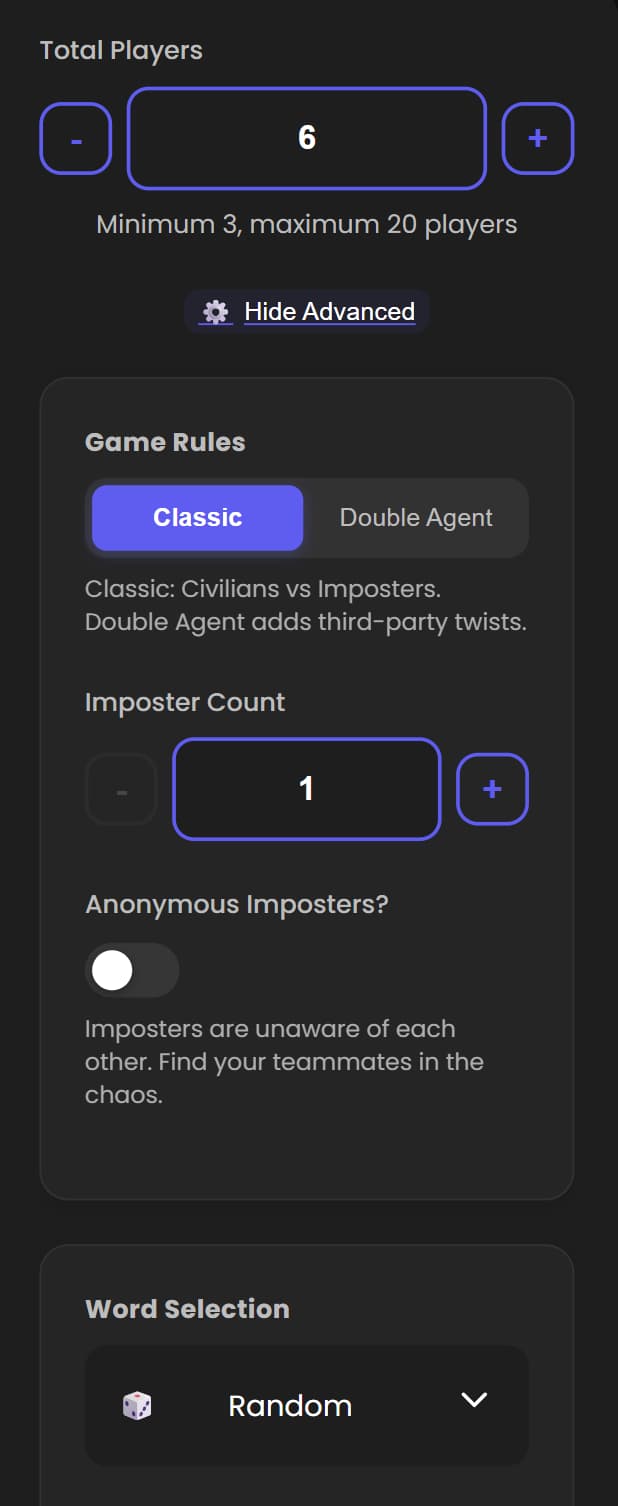
For hosts who want to fine-tune the experience, click the "Advanced Settings" link to reveal the full control panel. This gives you access to a range of powerful options.
Step 1: Choose Game Rules
- Classic: The standard mode where Civilians try to find the Imposters.
- Double Agent: This mode introduces the **Blank Role** (Mr. White), a third-party character who adds a new layer of deduction and chaos.
Step 2: Configure Roles
- Imposter Count: Set the number of Imposters.
- Blank Role Count: If you chose "Double Agent" mode, this option will appear, allowing you to set the number of Blank Roles.
- Anonymous Imposters: Toggle this on if you want multiple Imposters to be unaware of each other's identities.
Step 3: Select Word Category
- Click the category button to open a drawer with numerous word banks like "Food," "Movies," or "Sports." Choosing a category adds a fun theme to your game. Leave it as "Random" for a complete surprise!
Step 4: Start the Game
Once you're happy with your custom configuration, click the **🚀 Start Game** button at the bottom of the panel.
The Reveal Process (After Starting)
The reveal process is designed for suspense and security:
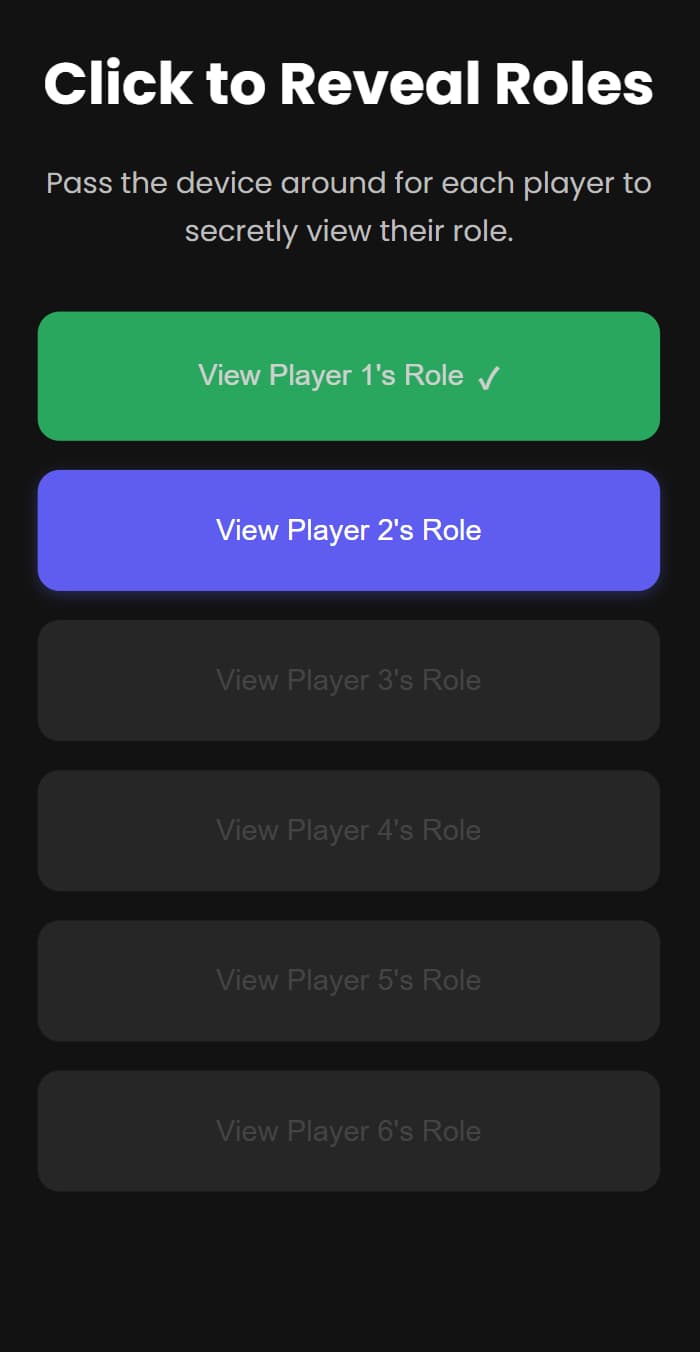
- A screen with buttons for each player (e.g., "View Player 1's Role") will appear.
- Players must click their buttons **in sequential order**. The next player's button will only become active after the previous player has viewed their role.
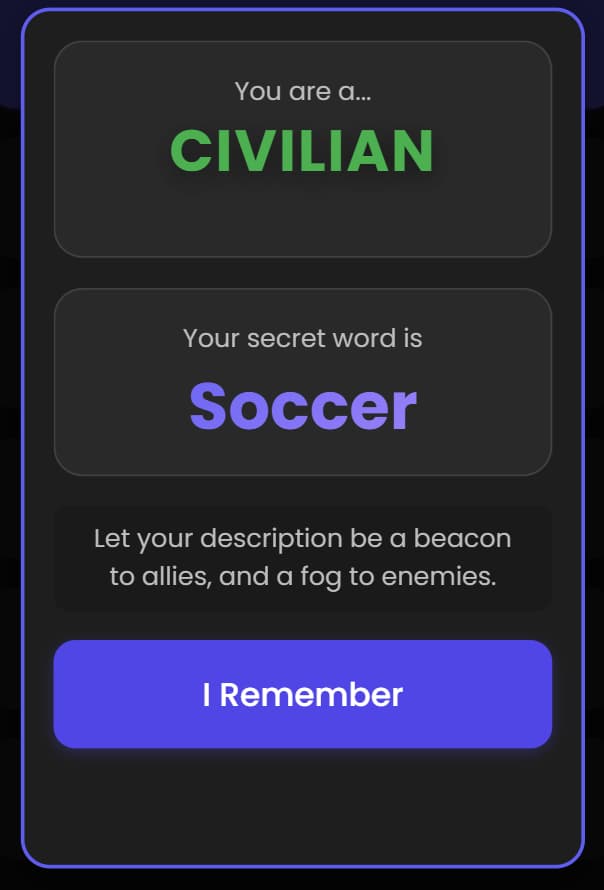
- After clicking, a modal shows the player their role and word. They click "I Remember" to hide it.
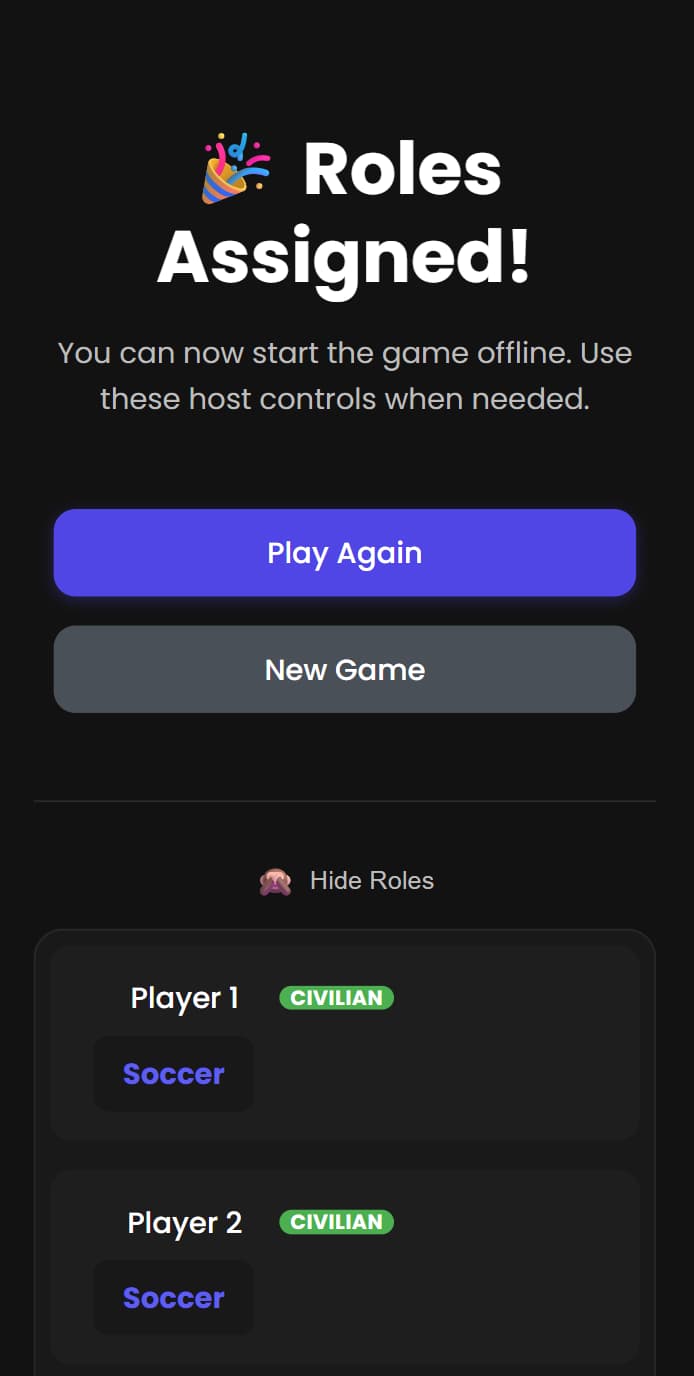
- Once all players have viewed their roles, the page automatically redirects to the game controls screen. Here, the host has the option to **Reveal All Roles** at the end of the game.
🔧 Troubleshooting Common Issues
Issue: "Quick Start" button not working
Solution: Make sure you've entered a valid number of players (3-12). The system needs at least 3 players to generate a game.
Issue: Can't find my saved game
Solution: Games are saved in your browser's local storage. If you cleared your cache or switched browsers, the game data might be lost.
💡 Pro Tips
- Bookmark your game: Save the URL to return to an active game instantly.
- Use categories: Theme your games for more fun (e.g., "Food" for a dinner party).
- Anonymous Imposters: Enable this for larger groups (8+) to make it harder for Imposters to coordinate.
🎲 Tool 2: The Imposter Word Generator (/tools/random-word/)
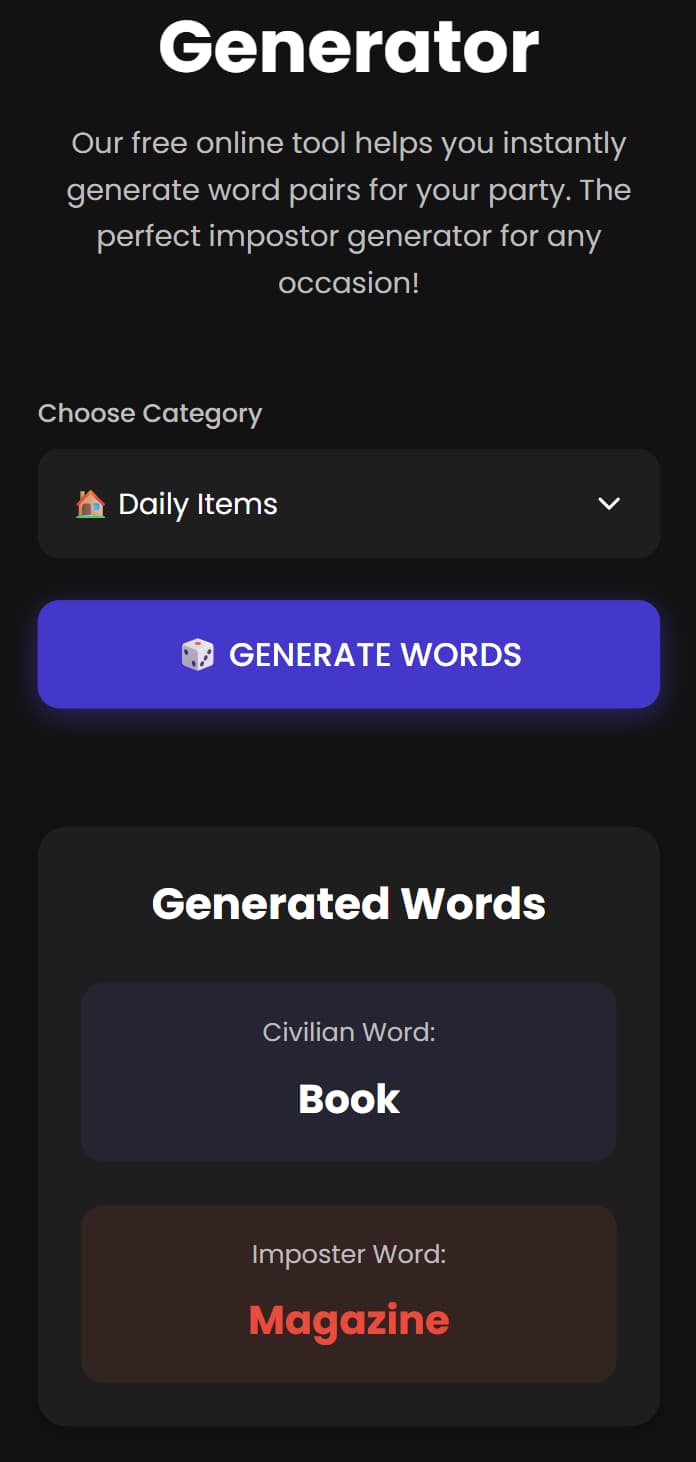
Need inspiration? This imposter word generator doubles as a random word generator for imposter game, making it your creative spark, separate from the main game maker. It's the perfect imposter game question generator.
- Navigate to the Random Word Generator.
- Click "Generate New Words" to get a fresh, interesting pair of words for your game.
❓ FAQ
Is the imposter game generator really free?
Yes! All our tools are 100% free with no registration required.
Can I use this for commercial events?
Yes, our tools are free for personal and commercial use.
You're Ready to Host!
Now you know how to use every feature on PlayImposter.com! Use the **Offline Game Generator** as an imposter game randomizer and imposter game picker, and the **Random Word Generator** whenever you need a creative boost. Combine these tools with our strategy guides to become an unstoppable host and player.