How to Play Imposter Game Online: The Ultimate Zoom & Discord Guide
Host the perfect virtual game night with friends, no matter where they are.
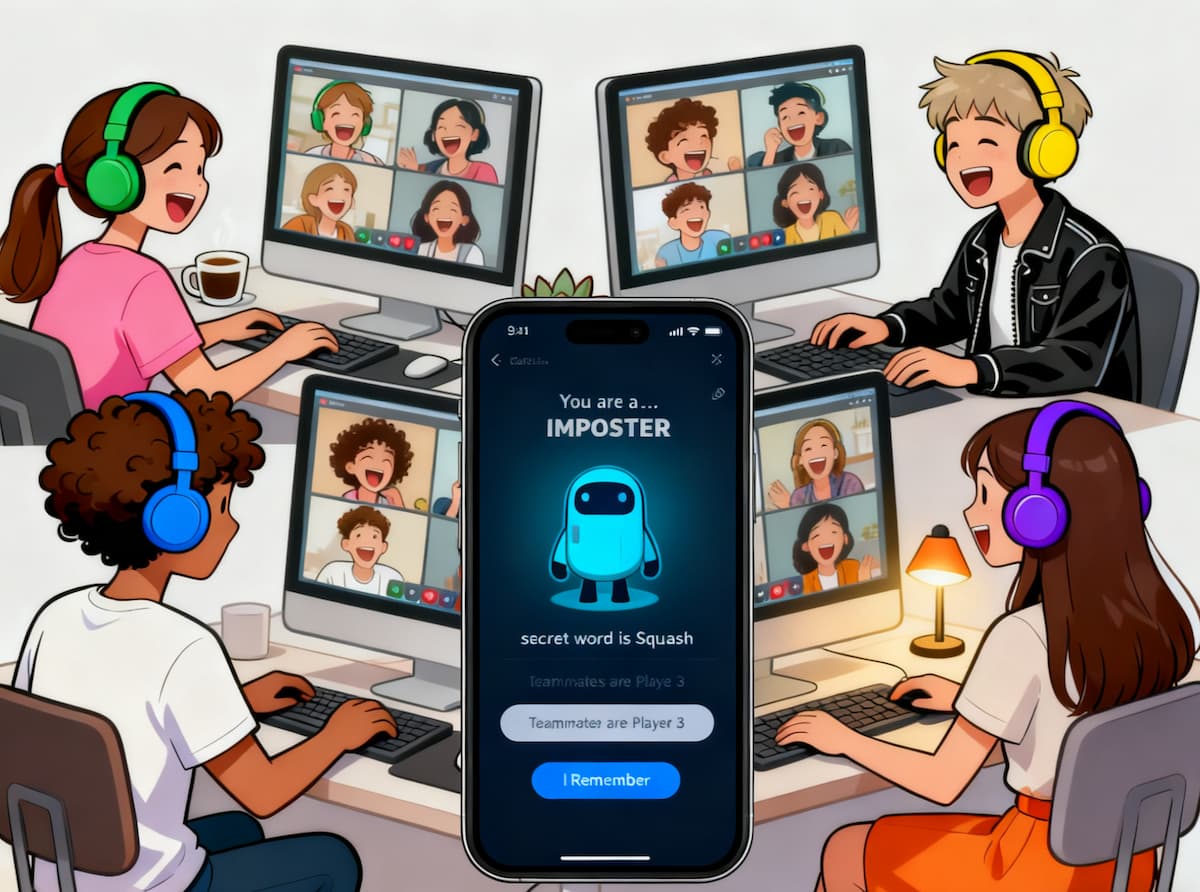
The Imposter Game is the ultimate party starter, but you don't need to be in the same room to play. Whether you're using Zoom, Discord, or Google Meet, this guide will show you exactly how to host a flawless online game night.
First, Get These 3 Things Ready
- A Video Conferencing App: Zoom, Google Meet, or Discord will do. As long as you can see each other's faces and chat easily, you're good to go.
- A Private Messaging Tool: Zoom's built-in "private chat" feature is perfect for this. WhatsApp or any other instant messaging app also works.
- A Solid Word Generator: You need a tool that lets you set roles like multiple Imposters and "Blank" players. Our free word generator is designed exactly for this!
4 Steps to a Flawless Online Game
The key to a smooth online game is choosing a Game Master (GM). This person sits out the round to manage the game and distribute the words behind the scenes. This builds suspense and ensures everyone's identity remains a secret.
Step 1: Choose a Game Master (GM)
Pick one person to be the GM for the round. They will be responsible for setting up the game and sending out the words. You can take turns being the GM so everyone gets a chance to play.
Step 2: The GM Sets Up the Game
Only the GM needs to open our tool. It's super easy to use:
- Open our Imposter Game Word Generator.
- Enter the total number of players (remember to exclude the GM).
- Select the number of Imposters and "Blank" players you want.
- Generate the game with one click to see all roles and words.
Step 3: Distribute Roles Privately
This is the most critical step! The GM uses private chat to send each player their role:
Example Private Messages:
- To Sarah: "Your word is 'Beach'."
- To Mike: "You are the Imposter."
- To Chloe: "Your word is 'Beach'."
⚠️ Warning: Double-check you are sending a PRIVATE message, not to the whole group!
Step 4: Play as You Normally Would
Once everyone has received their role and word, the GM will announce, "The game begins!" From here, it's just like playing offline:
- Each person takes a turn giving a one-word or one-phrase clue.
- Everyone discusses who they think is the most suspicious.
- Vote to eliminate one person.
- The eliminated person reveals their identity.
Recommended Tools for Online Play
Zoom
Best For: Casual groups and families.
Pros: Easy to use, excellent gallery view, built-in private chat.
Discord
Best For: Gamers and communities.
Pros: High-quality audio, dedicated voice channels, persistent chat.
Google Meet
Best For: Quick setup without installs.
Pros: Runs in browser, free unlimited time (mostly), simple interface.
Why Use a Generator for Online Play?
You might be thinking, "Can't we just come up with the words ourselves?" You could, but a good generator solves major problems that pop up in online games:
- Hilariously Fun Word Pairs: Say goodbye to boring old pairs like "Apple vs. Orange." Our generator offers tons of funny and challenging categories.
- Guaranteed Fairness: The GM doesn't have to rack their brain trying to think of words, and no one can complain about bias.
- Supports Advanced Rules: Want to add multiple Imposters or "Blank" players? You can set it up with a single click.
Frequently Asked Questions
Which video platform is best for Imposter Game?
Zoom is great for its gallery view and private chat features. Discord is excellent for gaming communities with built-in voice channels. Google Meet is a good free alternative that requires no installation.
How do I send secret words to players?
The Game Master should use the "Private Chat" or "Direct Message" feature of your video platform to send each player their specific word or role. Do not post in the main group chat!
Ready to Kick Off Your Online Game Night?
Even if you're thousands of miles apart, you can still find out which of your friends is the master of deception. With a reliable Game Master and a great word generator, your online "Imposter Game" will be just as lively and hilarious as any in-person party!